---
title: Desktop quickstart
description: Sign in, open a folder on your computer, and get a first change made and reviewed — in about five minutes.
sidebar_title: Quickstart
---
You need the app installed ([Install the desktop app](../install/desktop.md))
and a Ysra account.
## First change in five minutes
### Sign in
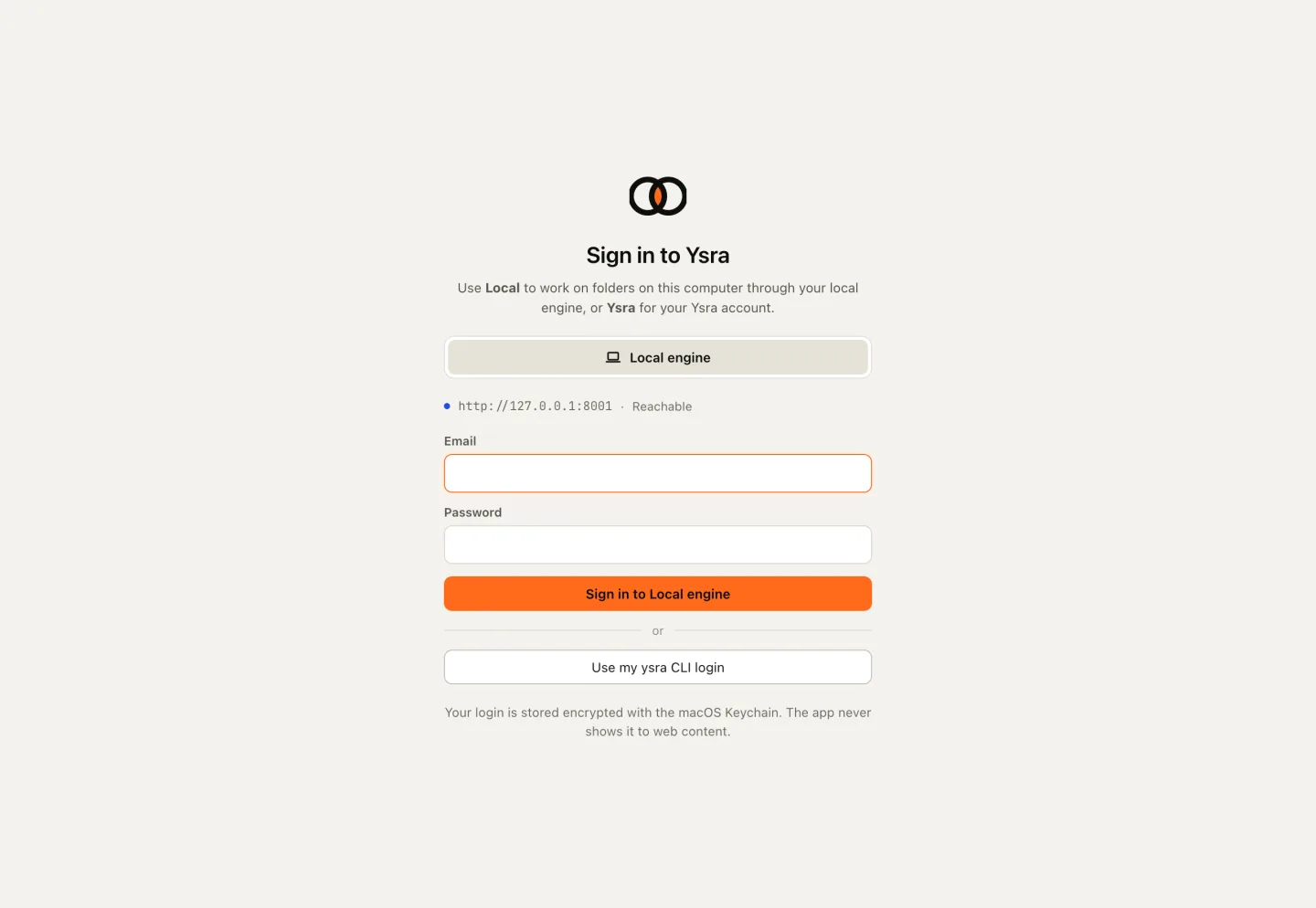
Open Ysra and sign in with your email and password. If you already use the
`ysra` CLI on this computer, choose **Use my ysra CLI login** instead.
{ width="1440" height="994" }
/// caption
Sign in once; your sign-in is stored encrypted by your operating system.
///
### Open a folder
Choose **New thread** (++cmd+n++, or ++ctrl+n++ on Windows and Linux) and pick a
project folder. I show what I found there and ask whether you trust it.
Choose **Trust & open**. I remember the answer for that folder.
### Ask a question first
Type in the message box and press ++enter++:
```text
explain how refunds are calculated
```
Nothing changes on a question. You get an answer and the files I read.
### Ask for a change
```text
add partial refunds: never more than the remaining balance, with a test
```
I read the code, edit it, run your checks, and show each step as it happens.
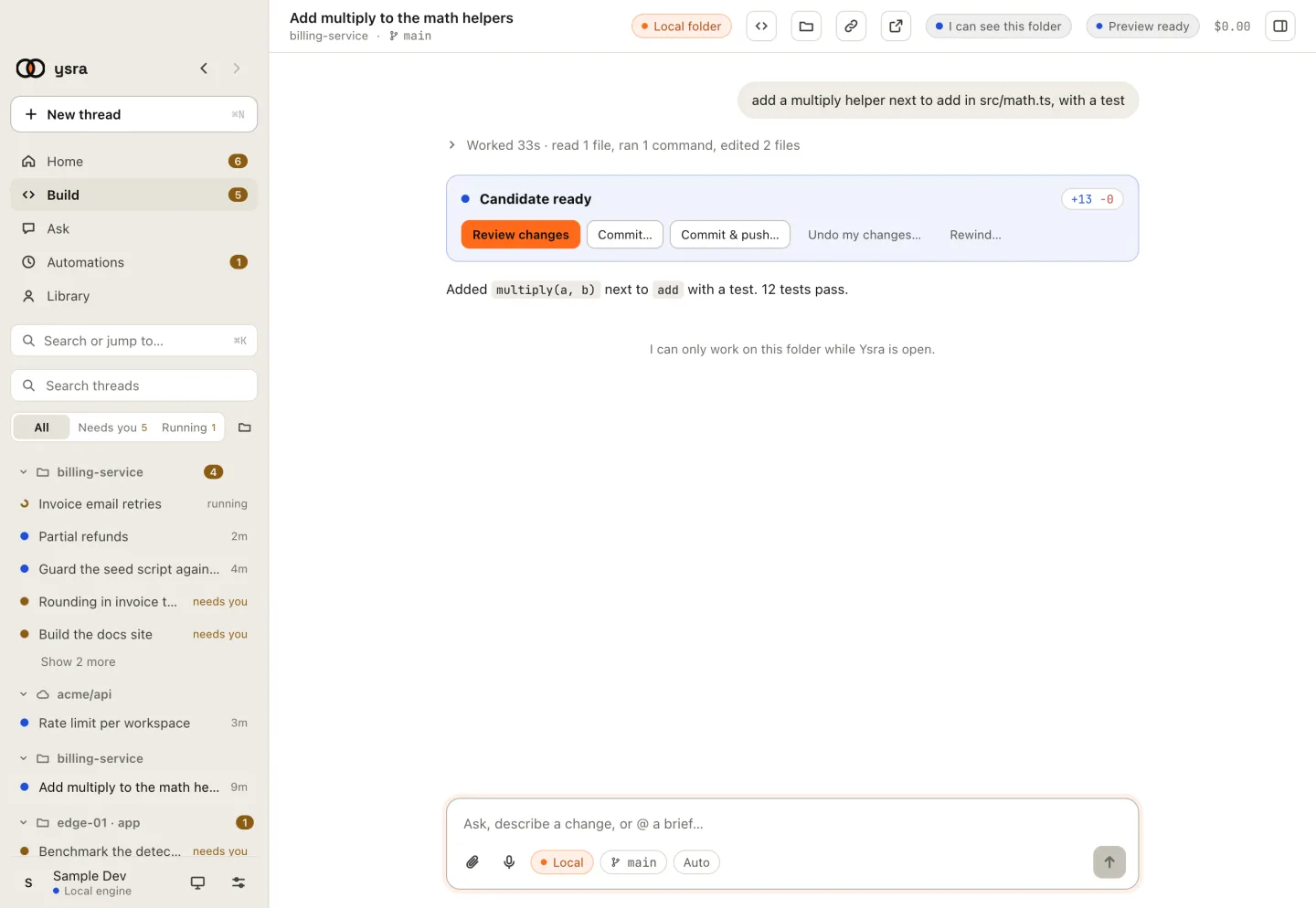
When I'm done you see **Candidate ready**.
### Review it, then decide
Choose **Review changes** to see every file I touched next to what it was.
Then:
- **Commit…** keeps the change on a branch;
- **Undo my changes…** puts everything back exactly as it was.
Nothing is committed or pushed until you choose.
{ width="1440" height="994" }
/// caption
A finished change: review it, commit it, or undo it.
///
## Next
- [**Open a folder**](open-folder.md)
What the trust sheet shows, folders without Git, and parallel copies.
- [**Approvals and auto mode**](approvals.md)
What I always ask before doing, and what auto mode covers.
- [**Commit and push**](commit-push.md)
Branches, pushing, and your CI result read back.