Experts
Knowledge coworkers you configure — a purpose, instructions, default sources, allowed capabilities and suggested questions — shared with colleagues and versioned so past answers stay explainable.
On this page
An expert is a Knowledge coworker with a job. It has a purpose, the sources it is trusted with, and the tools it may use. Ysra is the built-in default expert; create your own for recurring kinds of questions.
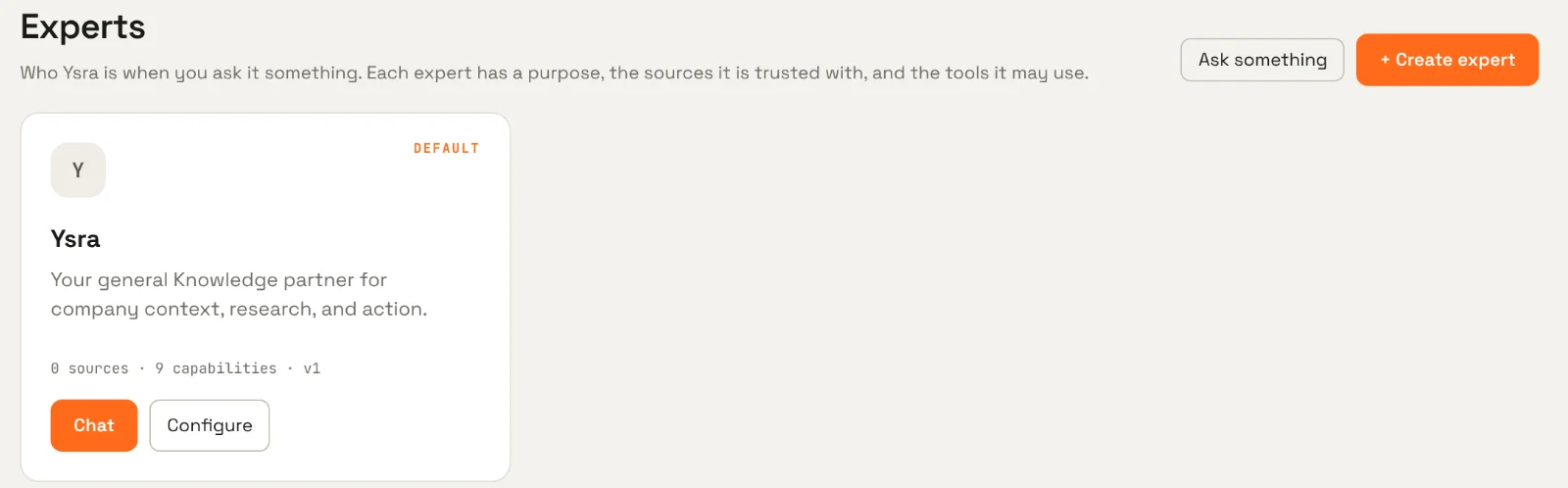
Create an expert#
Workspace → Experts → Create expert. An expert has:
| Field | Use it for |
|---|---|
| Name and avatar | How it appears in the chat-with picker. |
| Description | One line on what it's for. |
| Instructions | How it should behave: its domain, tone, what to prioritise, what to avoid. |
| Reminder | A short note it keeps in mind on every turn. |
| Starter questions | Up to six suggestions shown when someone opens it. |
| Default sources | The Slack, Jira and Gmail sources it uses by default. |
| Capabilities | Which tools it may use — see below. |
| Model profile | Optionally, which answering profile it uses. |
Capabilities#
Every capability is off unless you turn it on.
| Capability | Lets the expert… |
|---|---|
| Search company context | Search the connected Slack, Jira and Gmail sources. |
| Read workspace files | Search and read your workspace files and attachments. |
| Research the web | Search, read and extract public web pages and PDFs. |
| Propose Slack messages | Draft a Slack message for your approval. |
| Propose Jira changes | Draft issue creation, updates, comments and status changes for your approval. |
| Long-term memory | Read your saved memories and save new ones when you ask. |
| Create reports | Write a designed PDF report into your workspace. |
| Hand off to Build | Turn an answer into a Developer brief. |
| Hand off to a worker | Turn an answer into a worker draft. |
The built-in Ysra expert has all of them, and gains new capabilities as they are released.
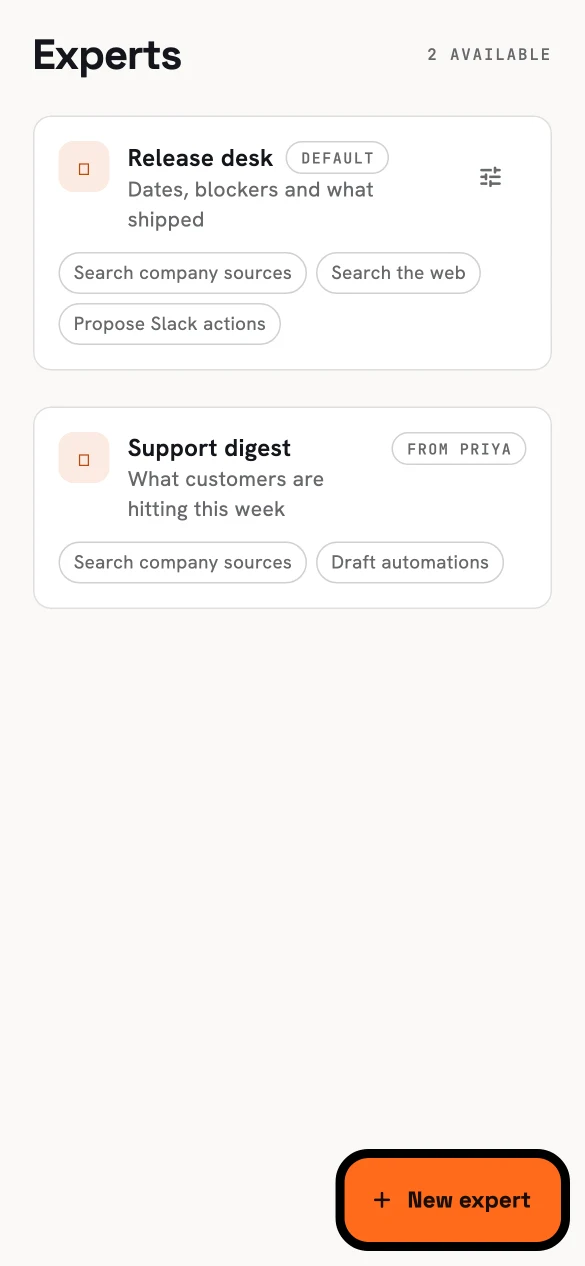
Two experts with different capabilities.
Versions#
Every edit creates a new version. Each conversation records the exact version it used — instructions, sources, capabilities — so a later edit never changes how an earlier answer is explained.
Sharing an expert#
Share an expert with a colleague by email. They can use it — chat with it — but can't edit it, and they don't inherit access to your private sources. Revoke a share at any time. Archiving an expert removes it from the picker without deleting past conversations.
Examples#
Release desk — Dates, blockers and what shipped. Sources: #releases,
#billing, Jira project BILL. Capabilities: company search, web research,
propose Slack messages.
Support digest — What customers are hitting this week. Sources: the support
mailbox, Jira SUP. Capabilities: company search, create reports, hand off to a
worker.