Workers
Workers run on their own — on a schedule or when you ask — read what they're allowed to, do the job, and stop for your approval before anything leaves your account.
On this page
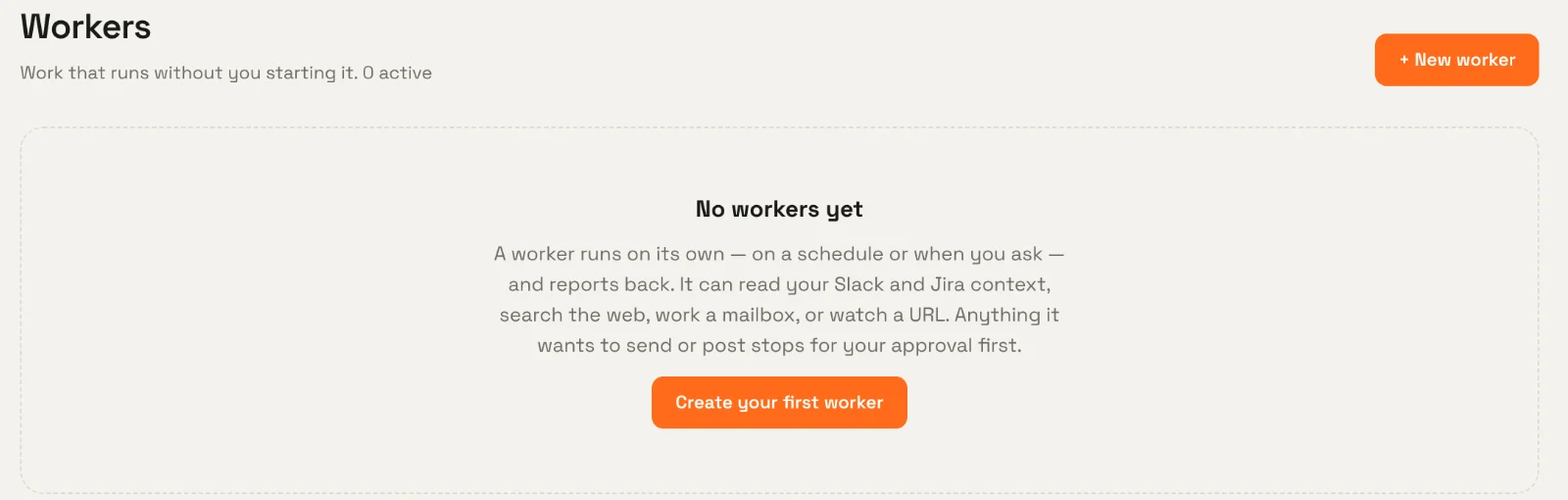
A worker is work that runs without you starting it. On a schedule or on demand, it reads the sources it was given, does its job, and reports back. Anything it wants to send or post stops for your approval first.
What workers do well#
- A Monday brief — summarise last week's incidents from Slack and Jira and prepare an update for your approval.
- A support digest — read the support mailbox, group what customers hit, draft replies for review.
- Market or competitor watch — research a topic on the web each week and report sources.
- Uptime monitoring — check a public URL every few minutes and report outages and recoveries.
Kinds of worker#
| Kind | What it does | Needs |
|---|---|---|
| General | Follows its instructions with only the tools and sources you grant: company context, web, mailbox, Slack proposals. | Grants for whatever it uses. |
| Research | Runs a bounded public web research query and reports results with sources. | Web search. |
| Reads a mailbox, drafts replies, and sends only exact drafts you approve. | Mail read (+ draft, + send). | |
| Uptime monitor | Checks a public URL on a schedule and records outages and recoveries. | HTTP read. |
See Worker types for each in detail.
How a worker is put together#
- Agent — the worker's identity and instructions, and the capabilities it may ever use.
- Worker — one deployment of an agent: its kind, trigger, grants, sources, credentials, approval rules, budget and default input.
- Version — every edit creates a new version. A run always uses the exact version it started with.
- Run — one execution, with its steps, result and any approvals.
Lifecycle#
stateDiagram-v2
    direction LR
    [*] --> Draft
    Draft --> Active: activate
    Active --> Paused: pause
    Paused --> Active: resume
    Active --> Archived
    Paused --> Archived
    Draft --> Archived
Only active workers run on schedule. Any worker can be run now for a test.
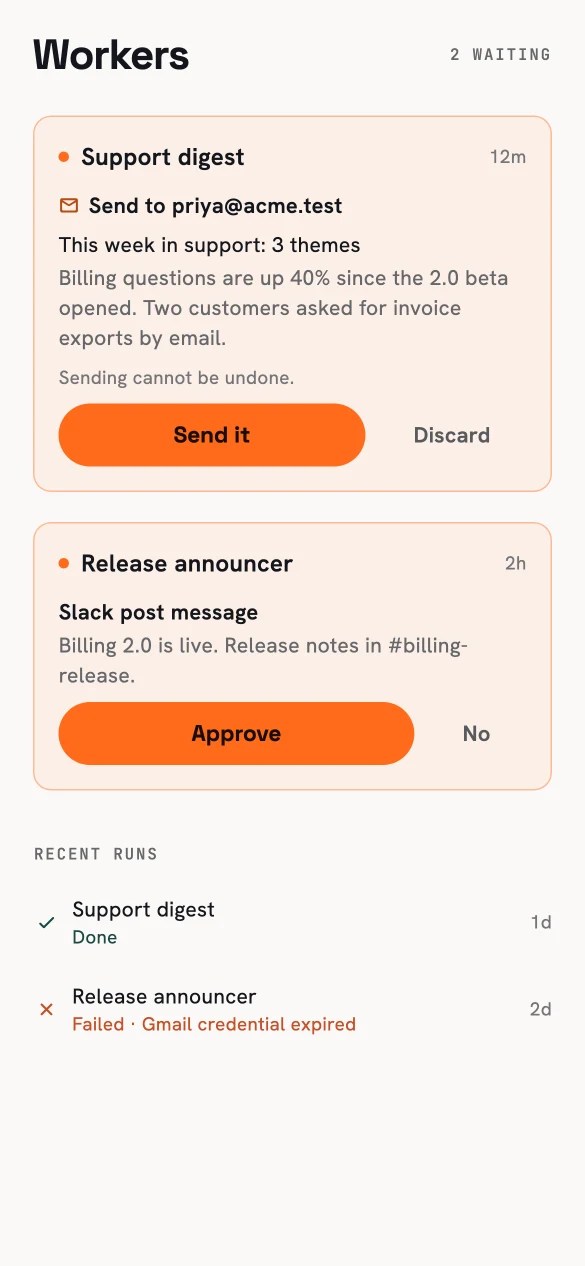
The phone is the approval queue for workers.
In this section#
-
Describe it in plain language, then review grants, sources and approvals.
-
Manual, cron with a time zone, or a fixed interval.
-
What a run goes through, and how exact-content approvals work.
-
General, research, mail and uptime workers in detail.