Hire your first colleague and finish a task
On this page
Create your company, hire one colleague and follow a first task from request to result. This tour uses only fictional information.
Before you start#
You need an email address. The Free plan gives you Ysra and Quick answers; hiring colleagues, connected apps and routines require a paid plan (Starter includes 10 colleagues).
Steps#
- Open Ysra, select Create account, confirm your email and name your company.
- On Home, use the message box to ask a small question. The switch above it chooses Ask, Code, or Mayz.
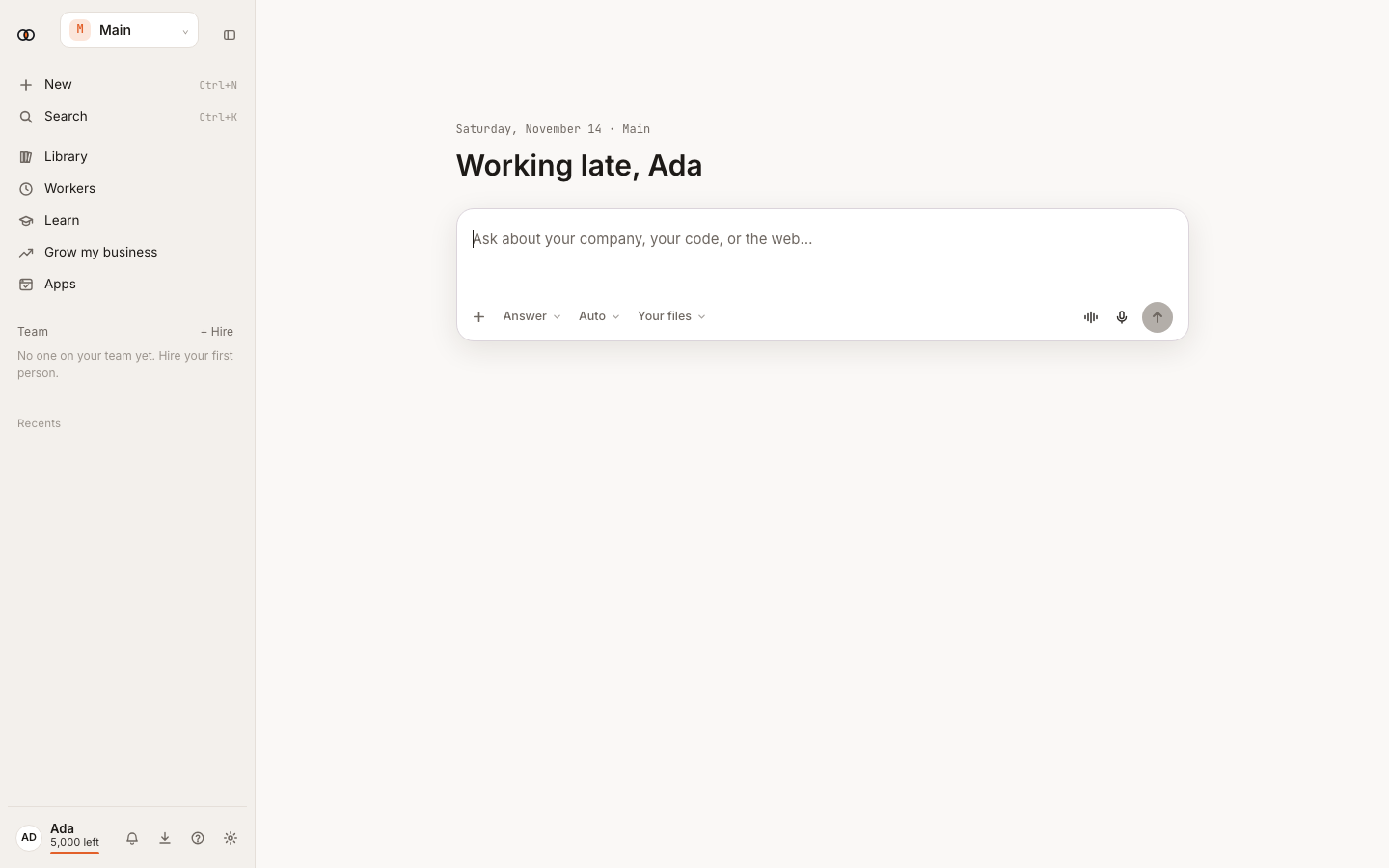
- Open Team → Browse colleagues. Choose a colleague whose job matches the result you want, review Asks you before, then select Hire.
- Select Message on the colleague's page. State the result, the source to use and what must not happen without approval.
- Watch Working now. If the task moves to Needs you, open its card, read the action and choose Approve or Not now.
- Open the completed conversation and check its answer, files, sources, steps and credits. Ask for a correction in the same conversation when needed.
What happens next#
The colleague stays on Team. Their page keeps recent work, suggestions and what they know about your preferences. You can message, shape or pause them.
Tips#
- Start with a task you can verify in a few minutes.
- Keep external changes on Ask first until you trust the results.
- Use fictional data while learning.
Limits by plan#
Free includes no colleagues (just Ysra), no connected apps and no active routines. Starter allows 10 colleagues; Pro, Max and Team are unlimited. See Wallet, plans and limits before adding more.
Troubleshooting#
- No company appears: finish the company setup shown after sign-in.
- Hire is unavailable: you reached the active-colleague limit.
- The task is waiting: open Needs you; the card states the reason.