Mobile app
The Ysra app for iOS and Android — start work in one sentence, follow it as a conversation, answer what needs you, review the output and ship it, from your phone.
On this page
The Ysra app puts the autonomous engineer in your pocket. It is built as a chat: say what to build, and Ysra works on its own — you follow it, check the output and ship it from the same conversation.
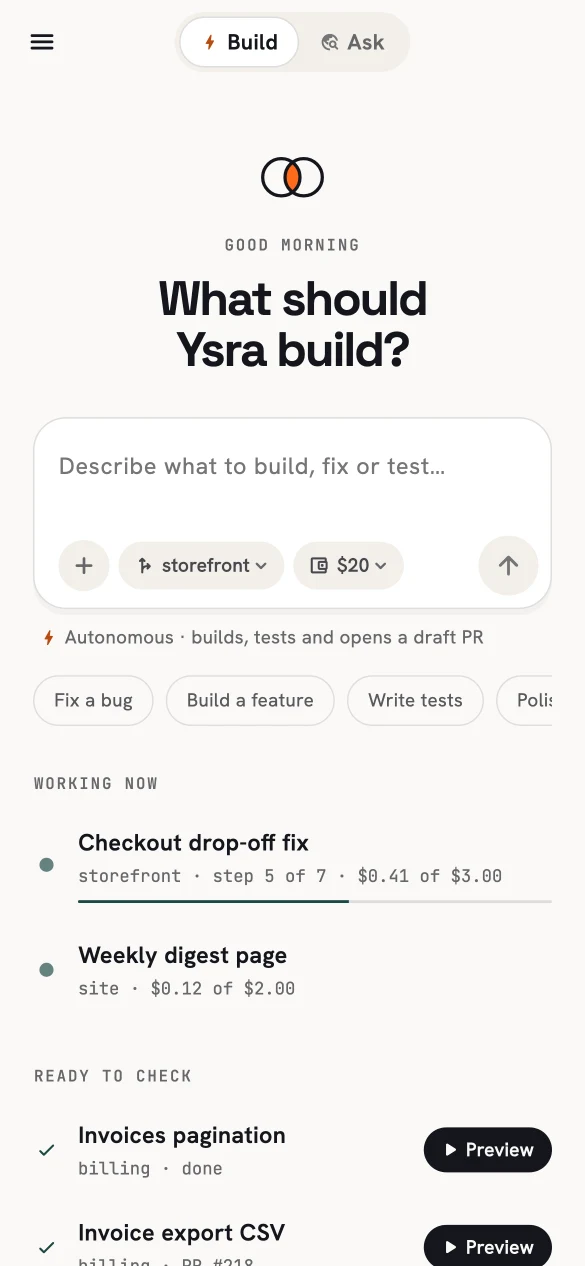
Home: one box, a repository and a budget.
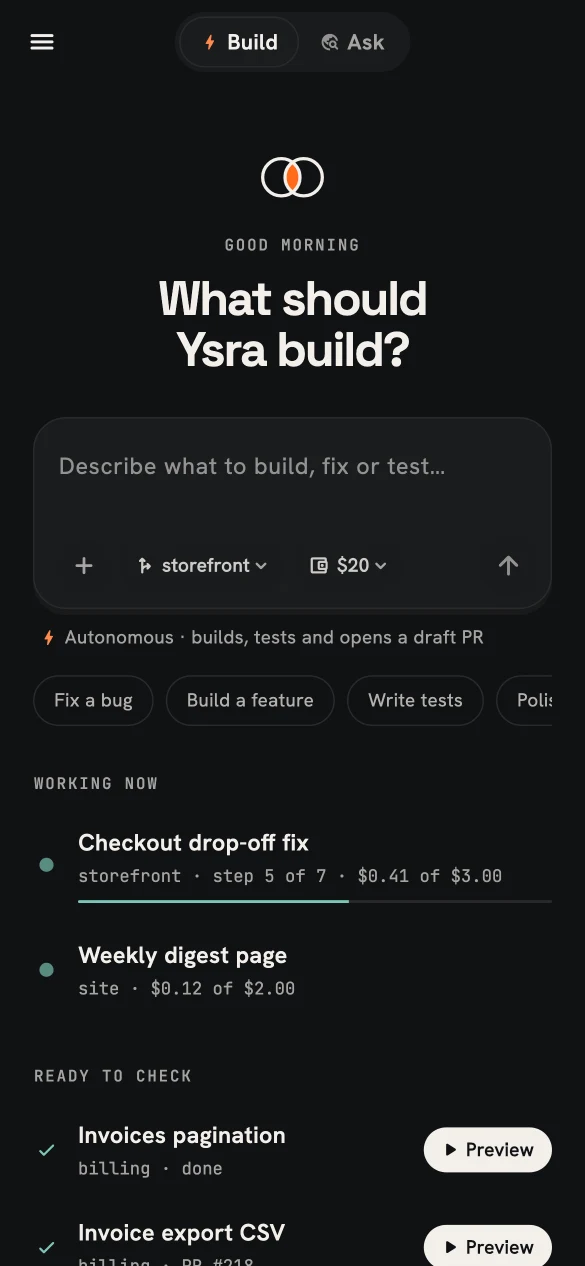
The same screen in dark mode.
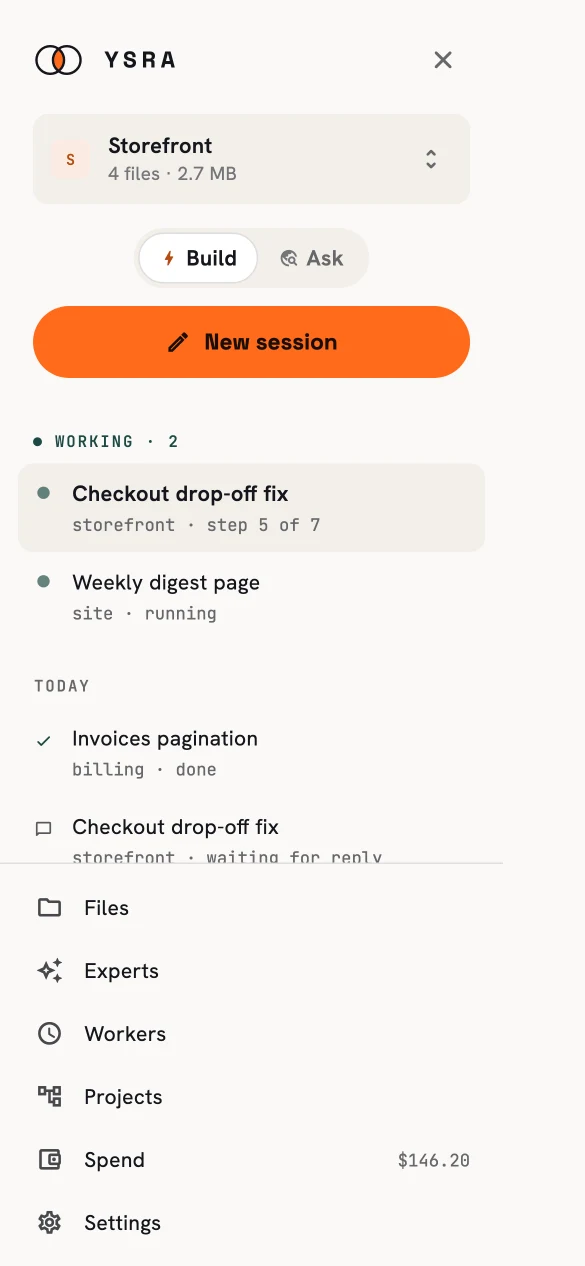
The drawer.
What you can do from your phone#
| Area | On the phone |
|---|---|
| Build | Start a session in one sentence, attach photos or files, follow it live, steer, answer, add budget, pause and resume. |
| Output | Preview the result, read the diff and report, open a pull request, deploy a finished candidate. |
| Ask | Ask Knowledge questions with sources, read citations, approve proposed actions, share answers. |
| Experts & memory | Create and edit experts; review and delete memories. |
| Projects | See what's running and approve milestones. |
| Workers | Approve or reject what workers want to send; see recent runs. |
| Files | Add files from the camera, photos or documents; open and share them. |
| Spend | Your wallet: available, spent, reserved, and recent movements. |
Start work#
The app opens on What should Ysra build? — one box, a repository chip (remembered from last time) and a budget chip. Send creates the session and moves straight to the conversation; your message appears instantly and is delivered in the background.
A session started from the phone is autonomous by default: it may spend up to its budget and, once the work is verified, open a draft pull request. Destructive changes and outside writes still ask. Your account policy always wins — the phone never allows more than your account does. Where your account doesn't deliver automatically, the conversation offers Open PR.
Only real asks need you#
The drawer shows what needs you: a question, a budget stop, a plan to review. A finished-but-unverified or paused session is output to check, not an ask — so the "needs you" count stays meaningful.
Built to be safe on a phone#
- Your sign-in is stored in the phone's secure keychain.
- Require unlock adds biometrics or your passcode before sessions are shown.
- Private files are fetched with your sign-in, cached on the device, and opened in the system viewer — never exposed as public links.
- Money is shown exactly, never rounded by the phone.
What stays on the desktop#
Some jobs are deliberately desk work in the portal:
- connecting GitHub and signing in to other services;
- authoring workers from scratch;
- approving a large project architecture.
The phone still shows a plan waiting for review, and lets you ask for a revision.
See Sessions on your phone for the conversation and output in detail.