Account settings
Agent behaviour, verification, your account policy, provider connections, members and invitations — and the personal settings in the mobile app.
On this page
Workspace → Account settings.
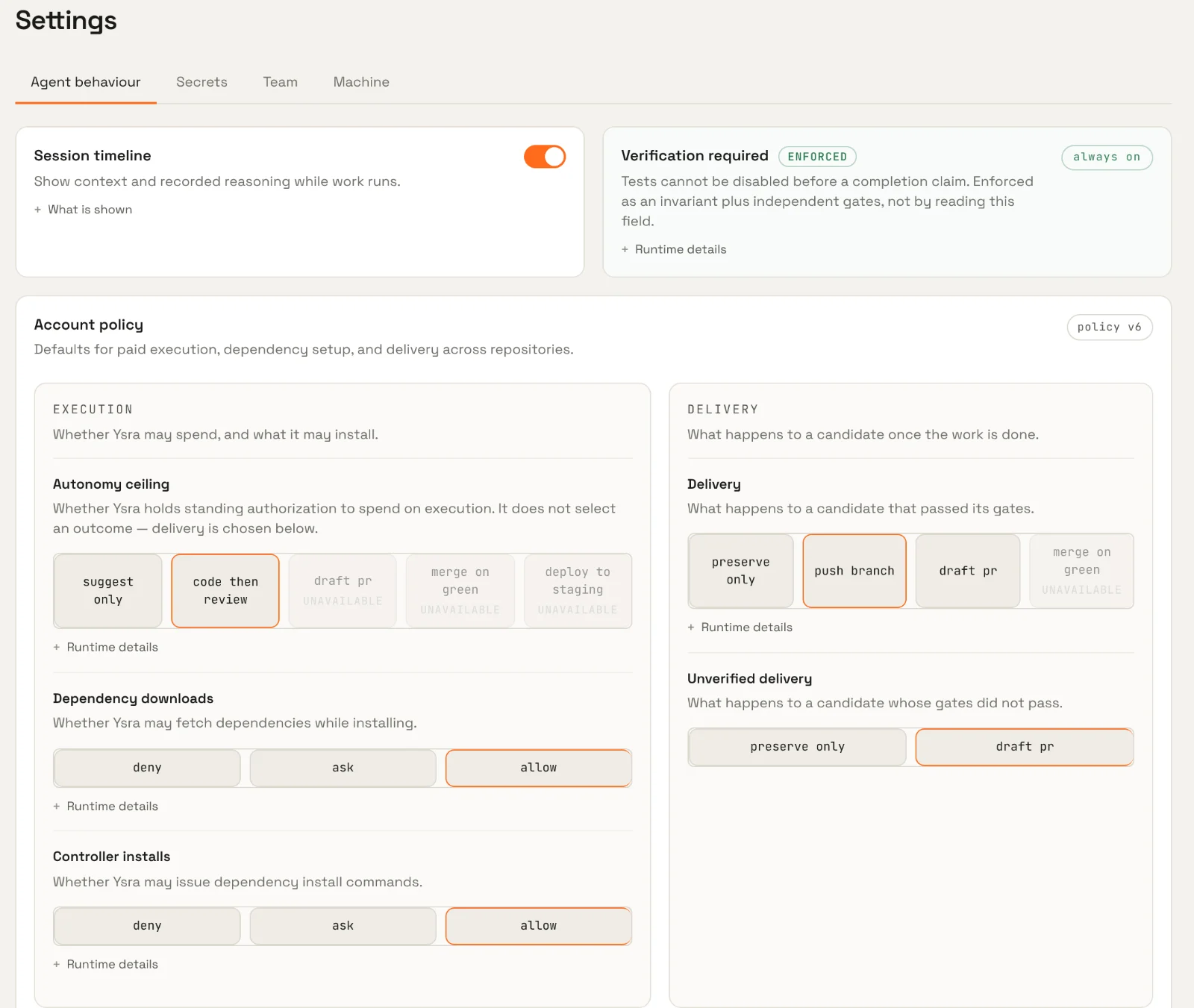
Agent behaviour#
| Setting | What it does |
|---|---|
| Session timeline | Show the recorded context and reasoning trail — hypotheses, actions, observations — in sessions. Off shows a cleaner narrative. |
| Verification required | Always on. Tests can't be skipped before a result is claimed, and this is enforced by the platform, not by reading the setting. |
Account policy#
The account policy decides what Ysra may do without asking — spending, installs, network, destructive actions, credentials, delivery and deployment. Choices the platform can't carry out yet are shown as unavailable rather than pretending to work. Each repository can override individual settings.
See Autonomy policy for every setting and its default.
Provider connections#
Workspace → Integrations → Developer & delivery holds the accounts Ysra acts through:
- Code — your GitHub connection. See GitHub.
- Your own model key — where offered, use your own model-provider key for eligible work.
- Mail — a mailbox connection for mail workers.
- Hosting — accounts to deploy to.
Credentials are stored encrypted and are never given to the model or put in a workspace. Each connection shows what it's allowed to do, and can be removed at any time.
Members and invitations#
People join an organisation by invitation. An administrator invites you by email; you open the link, check the invitation details and create your account. Invitations expire. Members share the organisation's wallet and see its workspaces; administration pages are only visible to administrators.
Note
Team roles and a self-serve member list are not configurable in the app yet. Ask your administrator to add or remove people.
Mobile app settings#
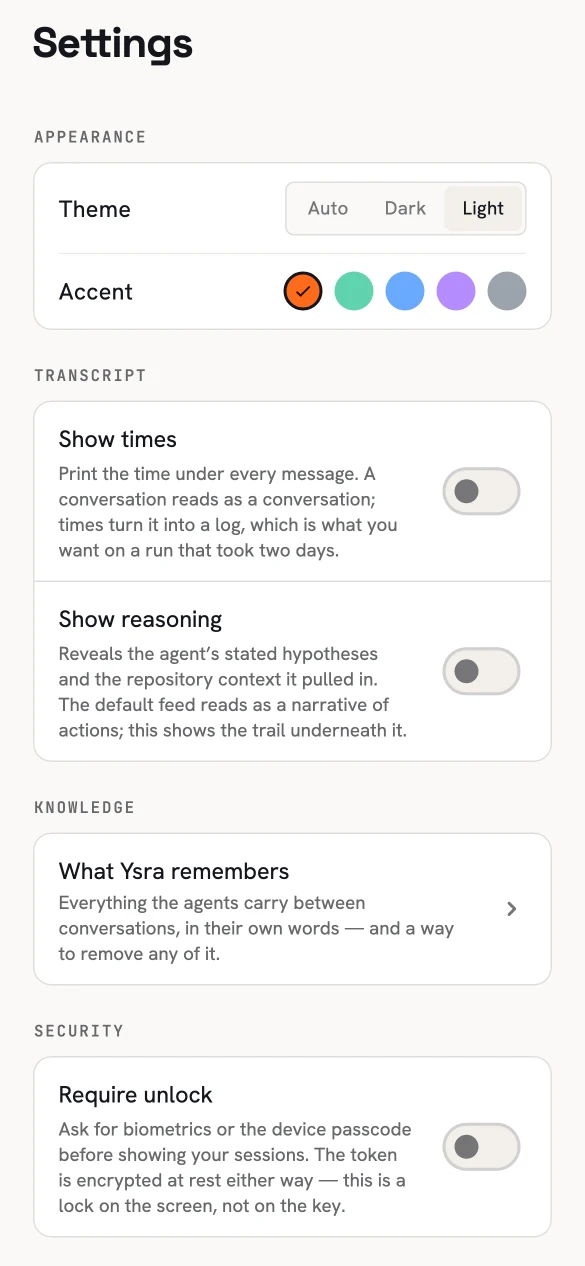
Settings on the phone.
| Setting | What it does |
|---|---|
| Theme | Auto, dark or light. |
| Accent | Orange, mint, blue, violet or graphite. |
| Show times | Print the time under every message — useful for long runs. |
| Show reasoning | Reveal the recorded hypotheses and context behind each step. |
| What Ysra remembers | Your memories, with a way to remove any. |
| Require unlock | Ask for biometrics or the device passcode before showing your sessions. Your sign-in is stored encrypted either way; this locks the screen. |