Workspaces and files
Workspaces are where sessions, files, experts, workers and connections live together. How to create and manage them, and how workspace files are uploaded, indexed, searched and attached.
On this page
A workspace is the space everything shares: sessions, projects, files, experts, memory, workers, integrations and linked repositories. Switch workspaces from the switcher at the top of the sidebar.
Workspace pages#
| Page | What it's for |
|---|---|
| Files | Documents and images for Knowledge and Build. |
| Rules & instructions | Standing instructions for Developer sessions. See Rules. |
| Playbooks | Repeatable briefs. See Playbooks. |
| Experts | Knowledge coworkers. See Experts. |
| Memory | What Ysra remembers across conversations. See Memory. |
| Workers | Scheduled and on-demand automations. See Workers. |
| Projects | Multi-milestone plans. See Projects. |
| Integrations | GitHub, Slack, Jira, Gmail and providers. See Integrations. |
| Wallet & usage | Budget, credit and spending. See Wallet and usage. |
| Account settings | Agent behaviour and autonomy policy. See Account settings. |
| This workspace | Name, description, linked repositories, archive and delete. |
Files#
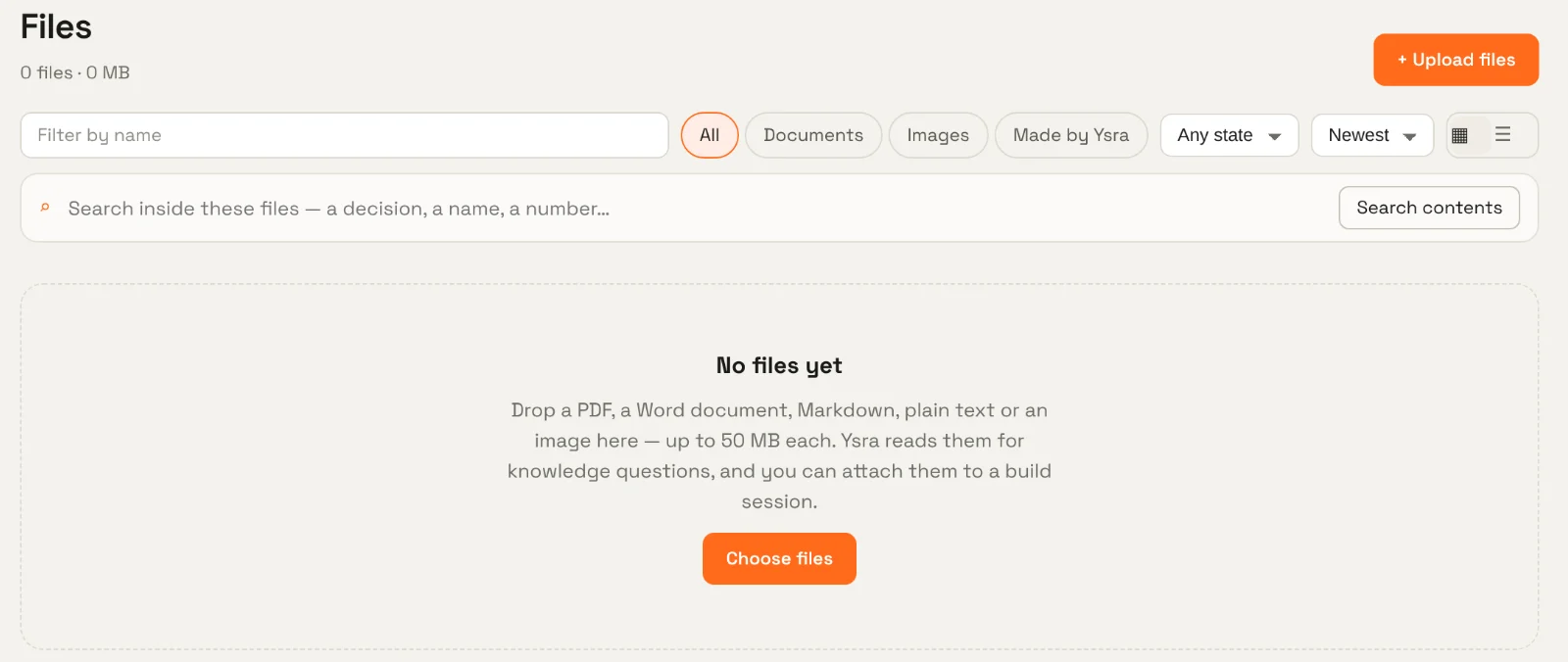
Upload#
Drop files on the page or use Upload files: PDF, Word, Markdown, plain text and images, up to 50 MB each. On the phone, add files from the camera, your photos or documents.
Each file is processed so its contents can be searched — text is extracted and indexed. The file's state shows processing, ready or failed. If processing fails, Retry reprocesses the same file.
Find#
- Filter by name, type (Documents, Images, Made by Ysra), state, and sort order; switch between grid and list.
- Search inside these files finds a decision, a name or a number in the contents — not just file names.
Made by Ysra lists files Ysra created for you — PDF reports from Knowledge, for example.
Use#
- In Ask, files are a source: Knowledge searches and cites them.
- In Build, attach files to a session — a spec, a screenshot of a bug, a design — so the work can use them.
- Preview and download any file; on the phone, open it in the system viewer or share it.
Files are private to your workspace. They're never exposed as public links.
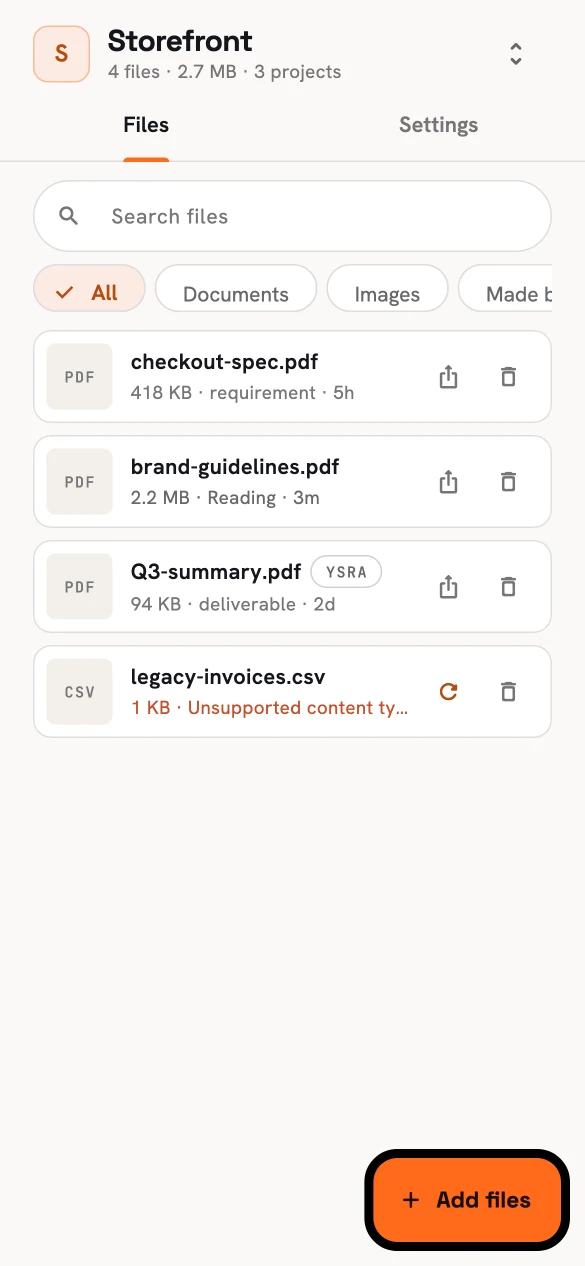
Files on the phone.
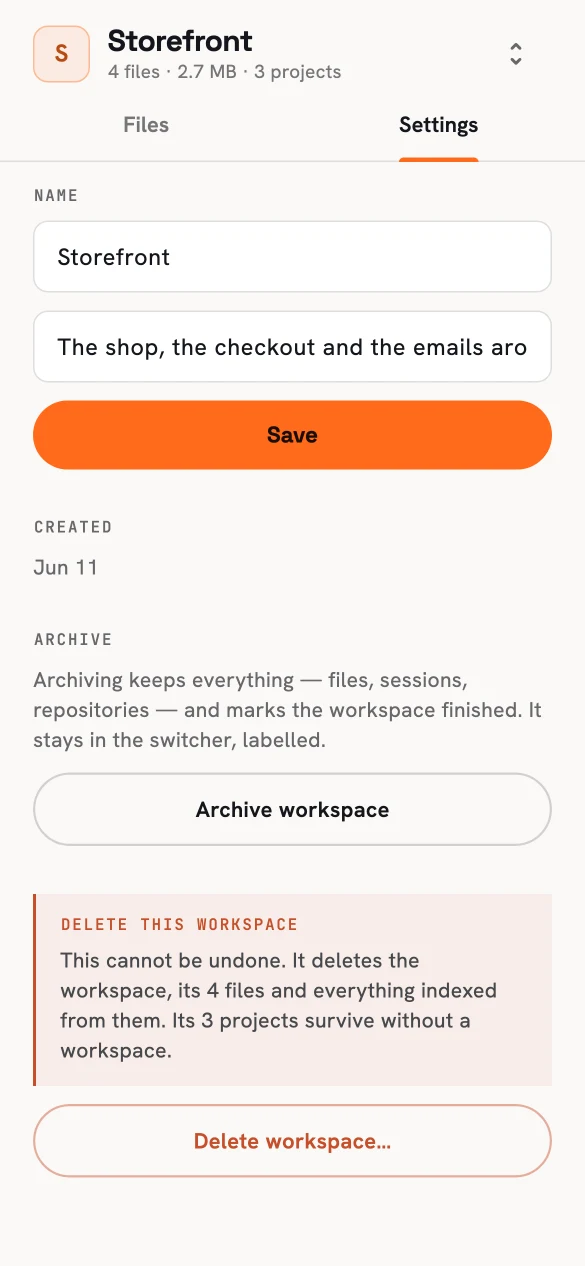
This workspace: rename, archive or delete.
Managing a workspace#
This workspace lets you:
- Rename it and edit its description.
- See the repositories linked to it.
- Archive it — everything is kept (files, sessions, repositories) and the workspace is marked finished in the switcher.
- Delete it — this can't be undone. It deletes the workspace, its files and everything indexed from them. Projects survive without a workspace.