Knowledge
Ysra's grounded assistant — ask about your own work, choose which sources it may use, get answers with a citation for every claim, and turn an answer into action.
On this page
Knowledge is Ysra's grounded assistant. It answers from the files, Slack channels, Jira projects, mailboxes and web pages you allow, cites every claim, and never changes anything outside Ysra without your approval.
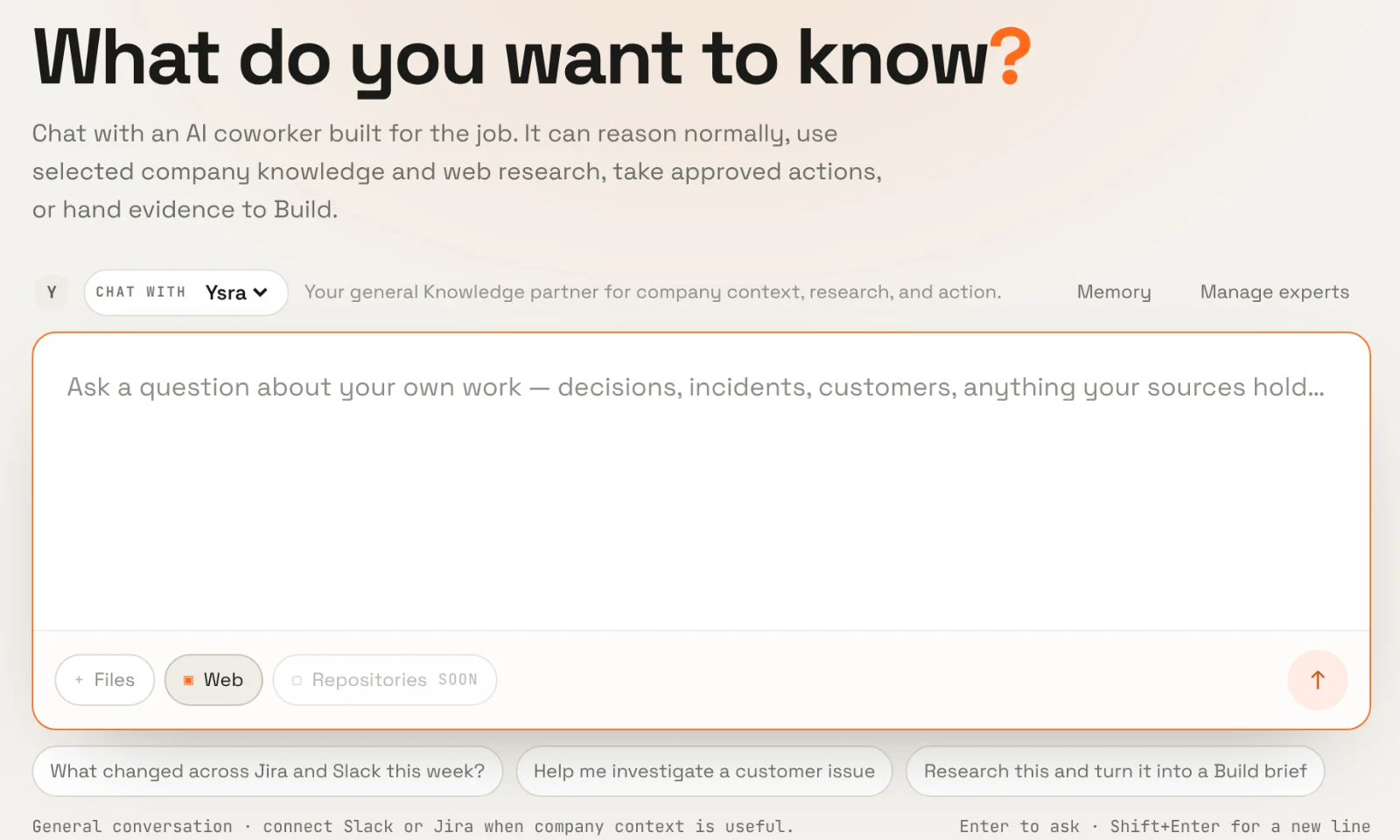
Ask a question#
- Switch the composer to Ask.
- Choose who answers — the built-in Ysra or one of your experts.
- Choose the sources it may use: files, the web, and any connected Slack, Jira or Gmail sources. It searches only what you select.
- Attach files or images if the question is about them.
- Pick Answer for a direct reply, or Deep dive for a research-style write-up with findings, evidence, open questions and next steps.
- Send. Follow-up questions continue the same conversation.
Your question is saved the moment you send it. If the answer is interrupted — you close the tab, the network drops — the conversation keeps your question and lets you retry instead of losing it.
Watching it work#
While Ysra researches, the answer shows its steps as they happen — searching company context, reading a file, fetching a web page, extracting a PDF. Steps say what kind of work happened; they don't record your search terms or the content they found.
Research is bounded: if Ysra runs out of research steps, it writes the best answer it can from what it already found, rather than returning nothing.
Answers you can check#
Every factual claim carries a numbered citation. Open one to see the source, the excerpt, and when it was read. The rules are strict:
- An answer may only cite sources it actually retrieved in this conversation. One that cites anything else is rejected, not shown.
- Web search results are only leads; a page must actually be read before it can be cited.
- Content inside your sources is treated as data, never instructions. A message that says "ignore your rules" is just a message.
A Deep dive doesn't loosen any of this — and it says so when the evidence is thin.
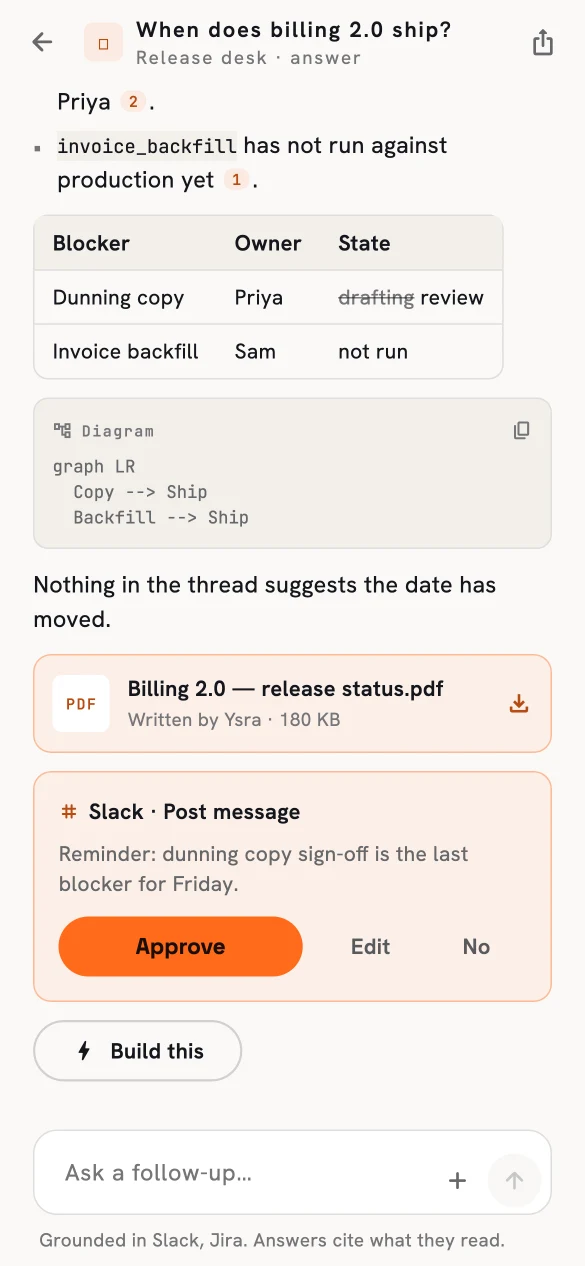
An answer with citations, a generated report, and a proposed action.
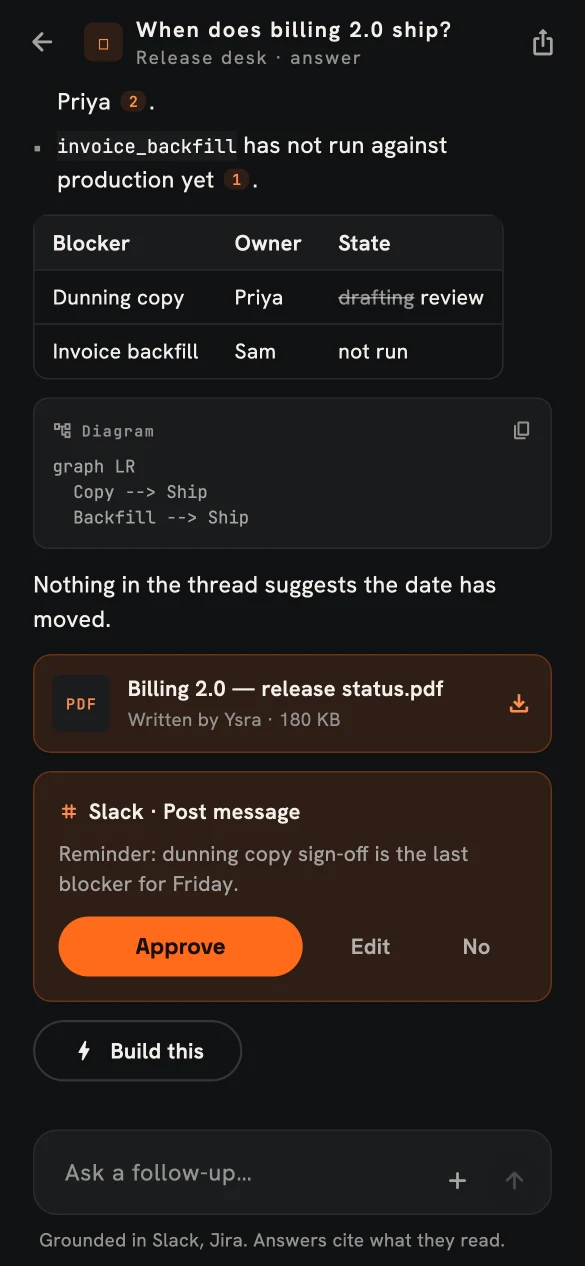
The same conversation in dark mode.
What an answer can include#
| Part | Description |
|---|---|
| Text | Markdown with inline citation pills. |
| Sources panel | Every source used, with provider, excerpt, link and time. |
| Tables and diagrams | Rendered in the conversation. |
| Reports | A designed PDF saved to your workspace files, when the expert may create reports. |
| Proposed actions | A Slack message or Jira change for you to approve. See Actions and approvals. |
| Attachments | The files and images you asked about, viewable inline. |
Turning an answer into work#
| From an answer you can… | What it produces | What you still choose |
|---|---|---|
| Build this | A Developer brief that uses the cited answer as evidence. | Repository and budget. |
| Draft a worker | An inactive worker draft with the answer's sources. | Schedule, grants and approvals, then activate. |
| Approve an action | The exact Slack or Jira change runs. | Nothing — you approved that exact content. |
| Share | A frozen, read-only link. See Sharing. | Expiry; you can revoke it. |
In this section#
-
What Knowledge can read, how sources are chosen, and how citing works.
-
Configured coworkers with a purpose, sources and allowed tools.
-
Facts and preferences carried across conversations — visible and deletable.
-
Slack and Jira changes that run only on your approval.
-
Frozen, revocable links to a conversation.