Undo my changes
Put a finished change back exactly as it was from the desktop app — what undo restores, what it leaves alone, and when it refuses.
On this page
Choose Undo my changes… on a finished task, or say "undo your changes".
I ask first, and name the files:
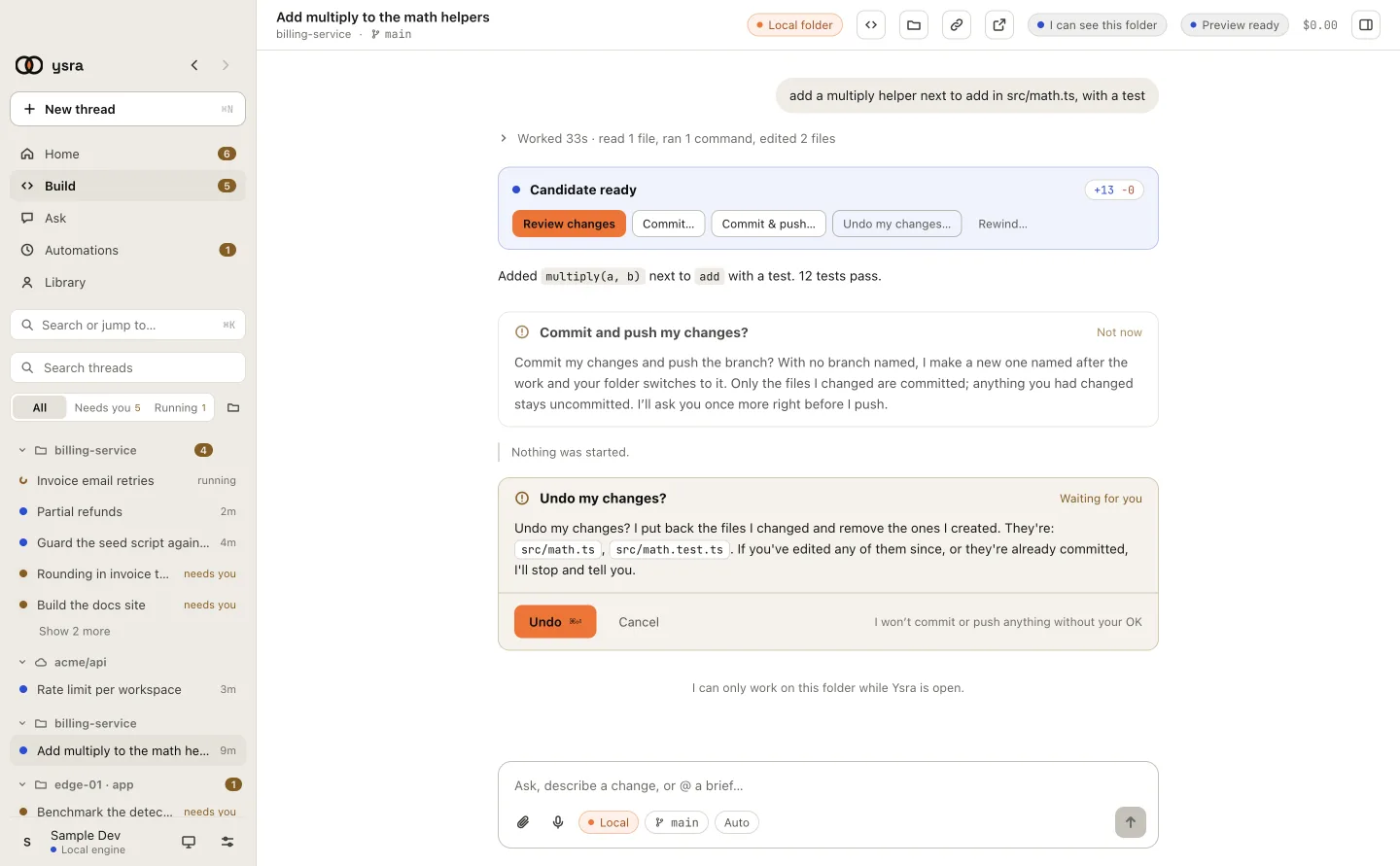
Undo names the files it will put back.
What it does#
- A file I edited goes back to exactly what it was before I started.
- A file I created is removed.
- Your own changes stay.
It works the same with or without Git.
When I refuse#
I stop and tell you, and change nothing, when:
- you've edited those files since. I won't overwrite your work;
- the change is already committed. Undoing a commit means a new commit that reverts it, never rewriting history. Ask me for that instead;
- I'm still working. Stop me first.
Go further back#
Rewind… returns the folder to an earlier point in the conversation. I ask before doing it.