Walkthrough: a full-stack store
One real Ysra session — a Moroccan lifestyle store with a customer storefront and a Medusa back office, built from one brief. What was asked, what was built, what it cost, and how the session reported its own result.
On this page
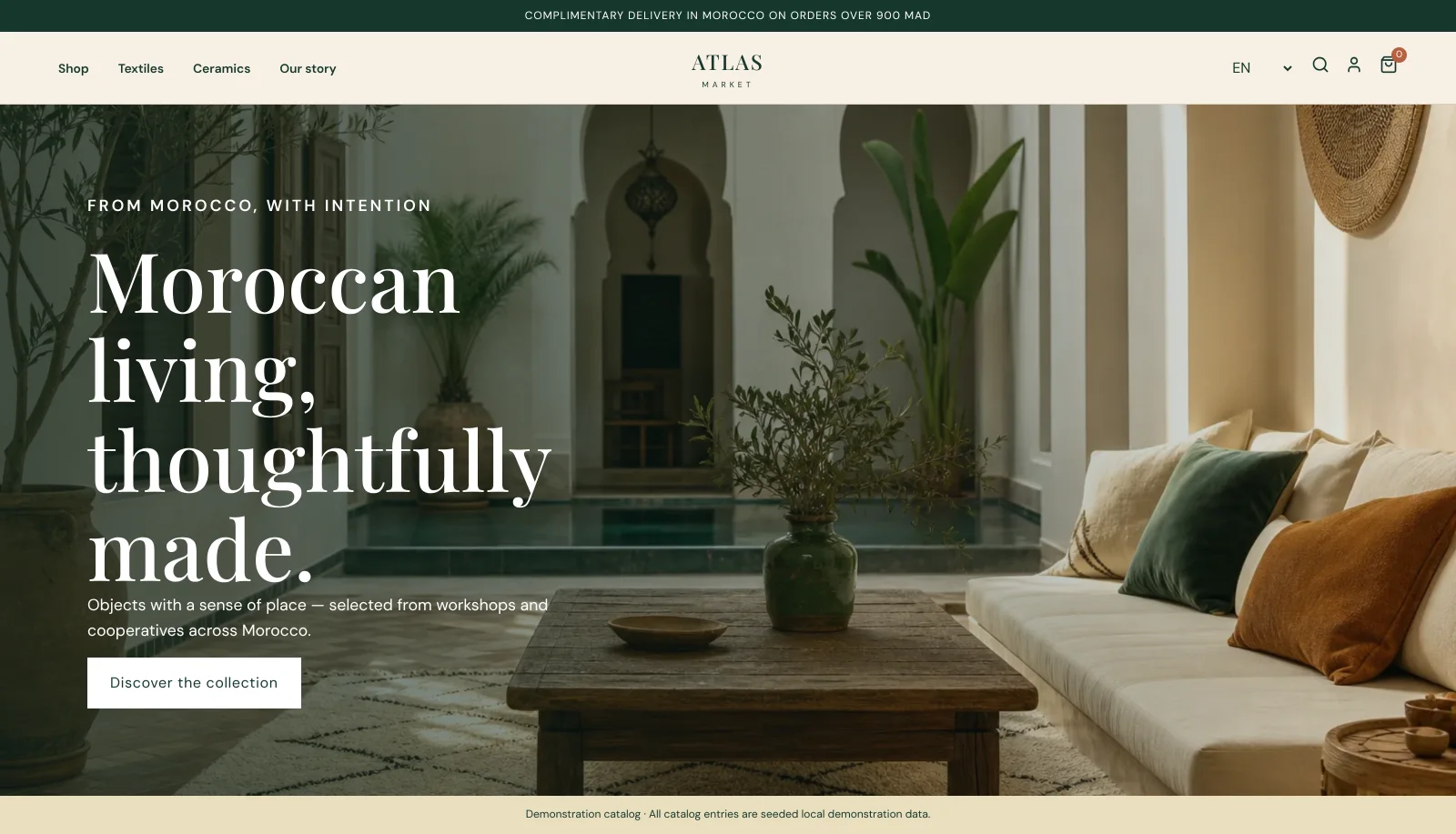
This page follows one real session: Atlas Market, an ecommerce platform for a Moroccan lifestyle brand, built from a single brief into a new repository. The screenshots are from the running result; the catalog is seeded demonstration data, and the store says so.
1. The brief#
The brief was long and specific — the kind Ysra works best with. In summary:
| Area | What was asked |
|---|---|
| Architecture | Inspect first, choose the commerce integration, and scaffold a complete local Medusa backend if no store is connected — with seeded data clearly labelled as demonstration content. |
| Storefront | Branded homepage; catalog with search, category and price filters, sorting and paging; product pages with gallery, variants, stock and related products; a persistent cart; checkout with Moroccan address fields; order confirmation with a real order reference; customer account. |
| Market | English, French and Arabic, with correct right-to-left layout for Arabic; prices in MAD; mobile, tablet and desktop layouts. |
| Administration | A real, authenticated back office for the catalog — separate from the storefront. A management claim only counts if a staff member can make the change, it persists, and the storefront shows it. |
| Payments | Test mode only; if card payments aren't available, an honest cash-on-delivery path instead of fake success. |
| Quality | Secrets server-side, validated input, no admin APIs in the browser, no mock arrays standing in for real behaviour, tests for catalog, cart, checkout, authorisation and one full customer journey. |
| Proof | Run the whole stack from a clean copy, then walk it in a real browser: home → category → search → product → variant → cart → quantity → checkout → order → confirm the order exists in the back office. |
It also said what not to do: no "Product A", no lorem ipsum, no placeholder admin pages, and name anything unfinished precisely instead of claiming success.
2. What Ysra built#
A two-app repository — a Medusa backend and a customer storefront — with 67 files and about 21,800 lines, including a seeded catalog of 12 products in 4 categories, each with variants, MAD prices, stock levels and generated product photography.
The storefront#
-
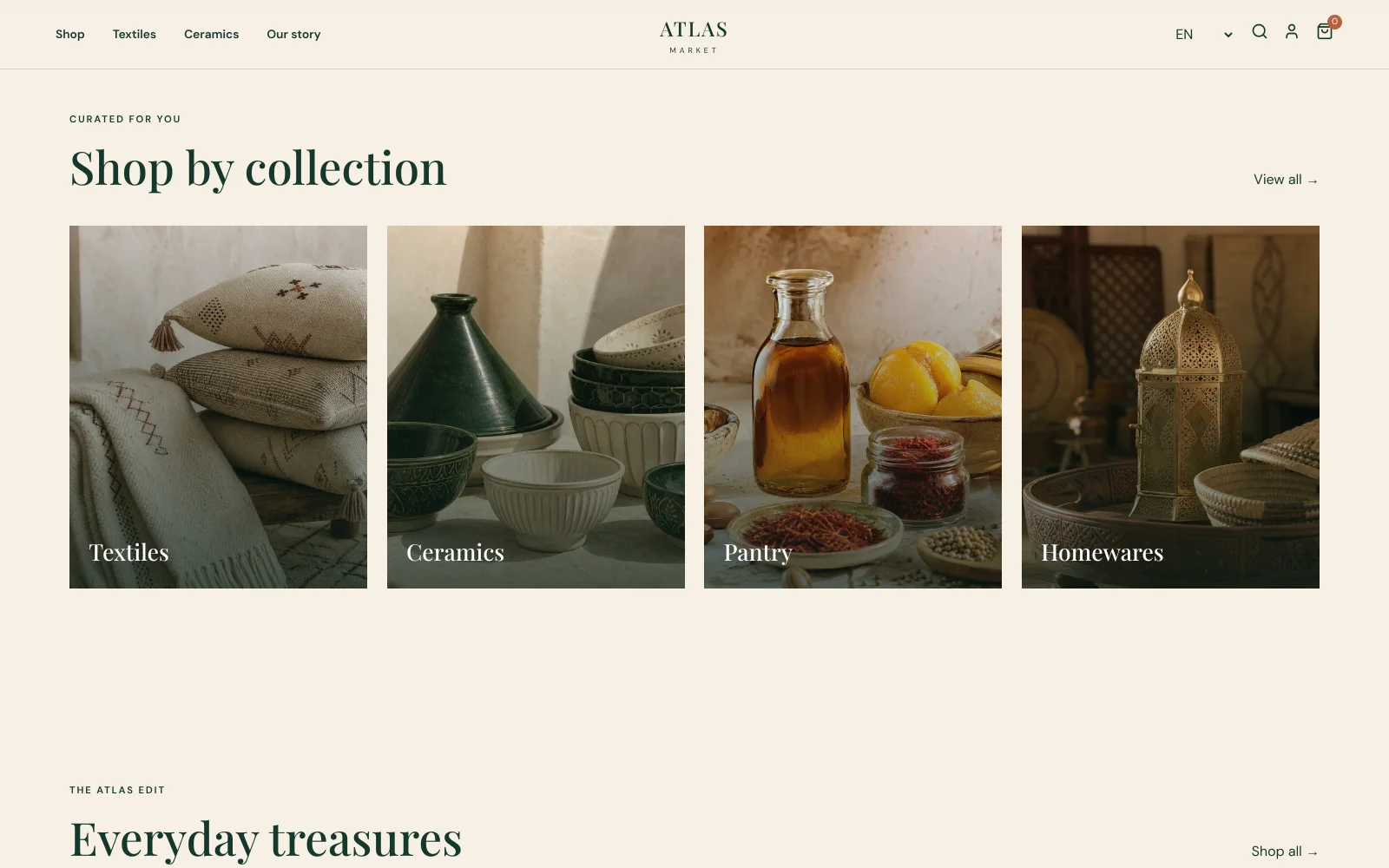
Collections — four categories from the catalog.
-
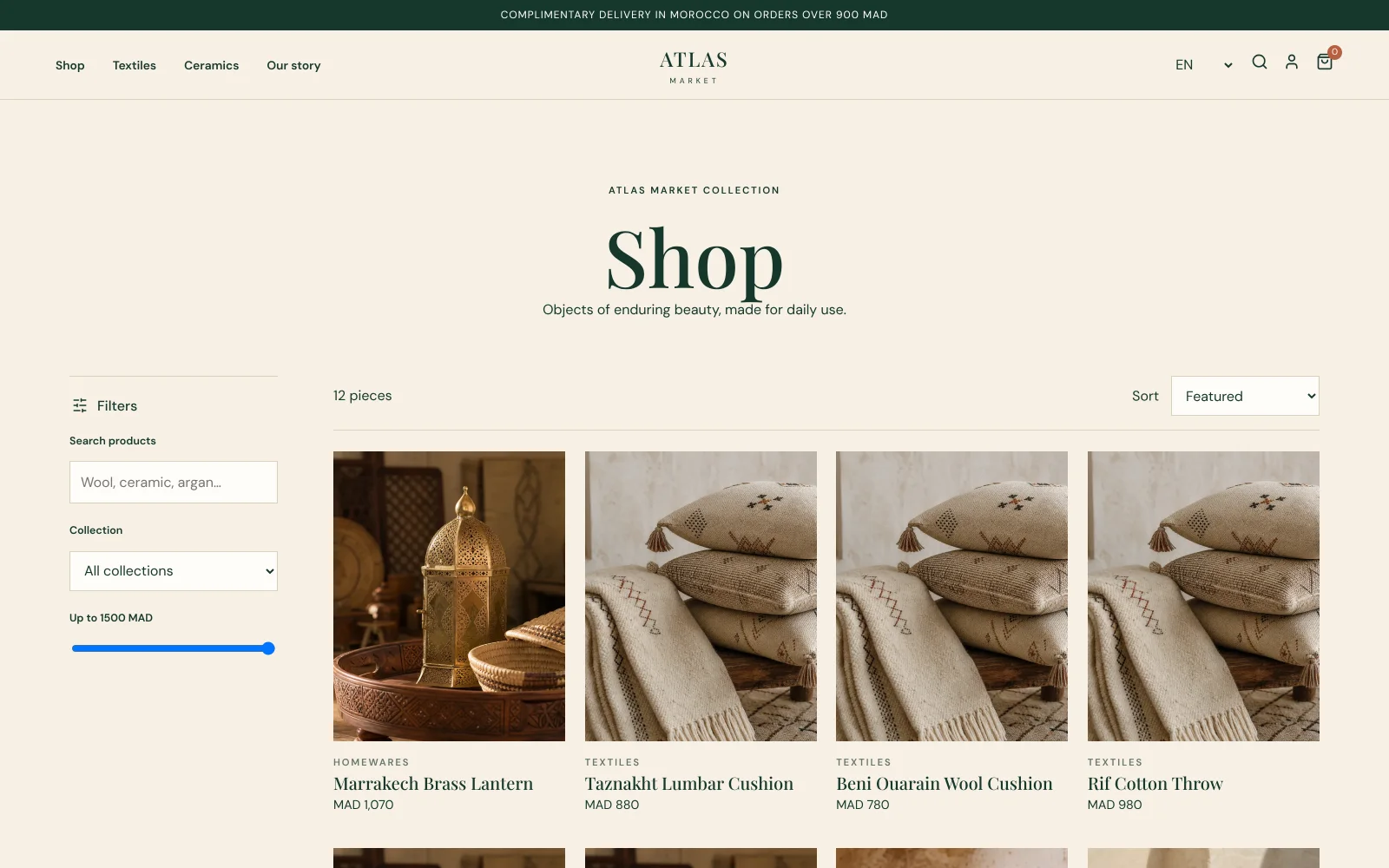
Catalog — search, collection and price filters, sorting.
-
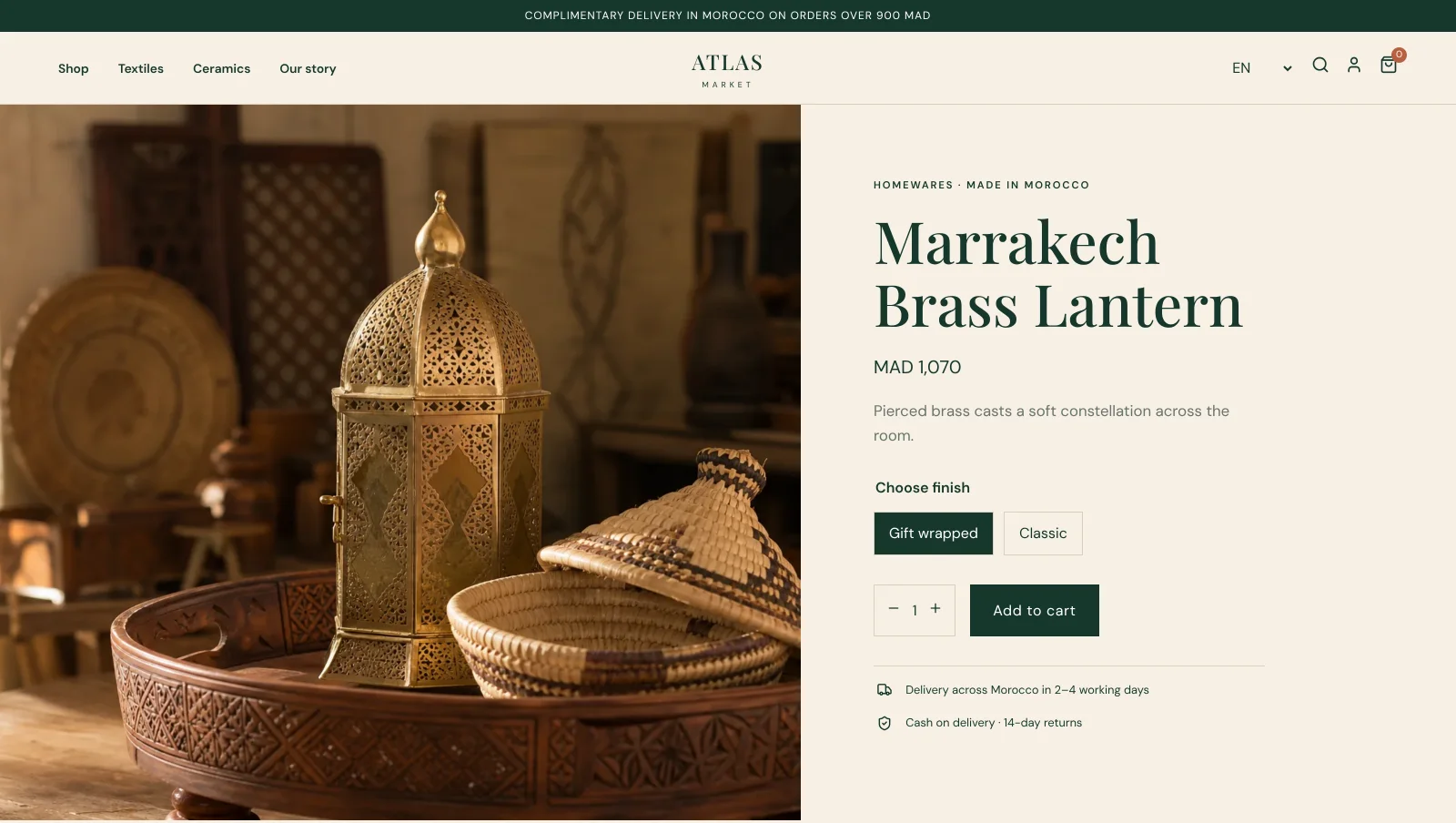
Product — variants, price in MAD, quantity, delivery and returns.
-
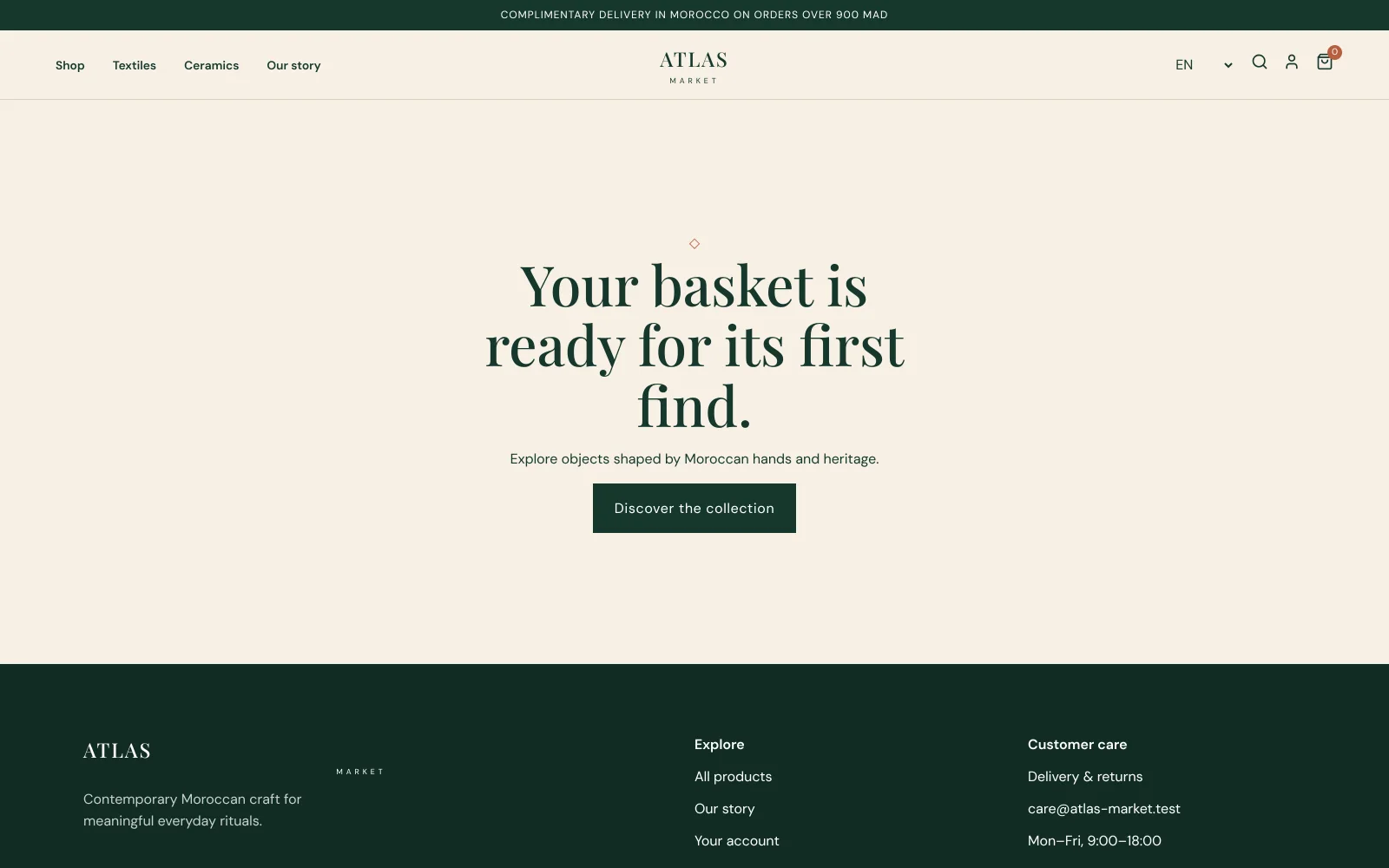
Cart — including a real empty state, not a blank page.
-
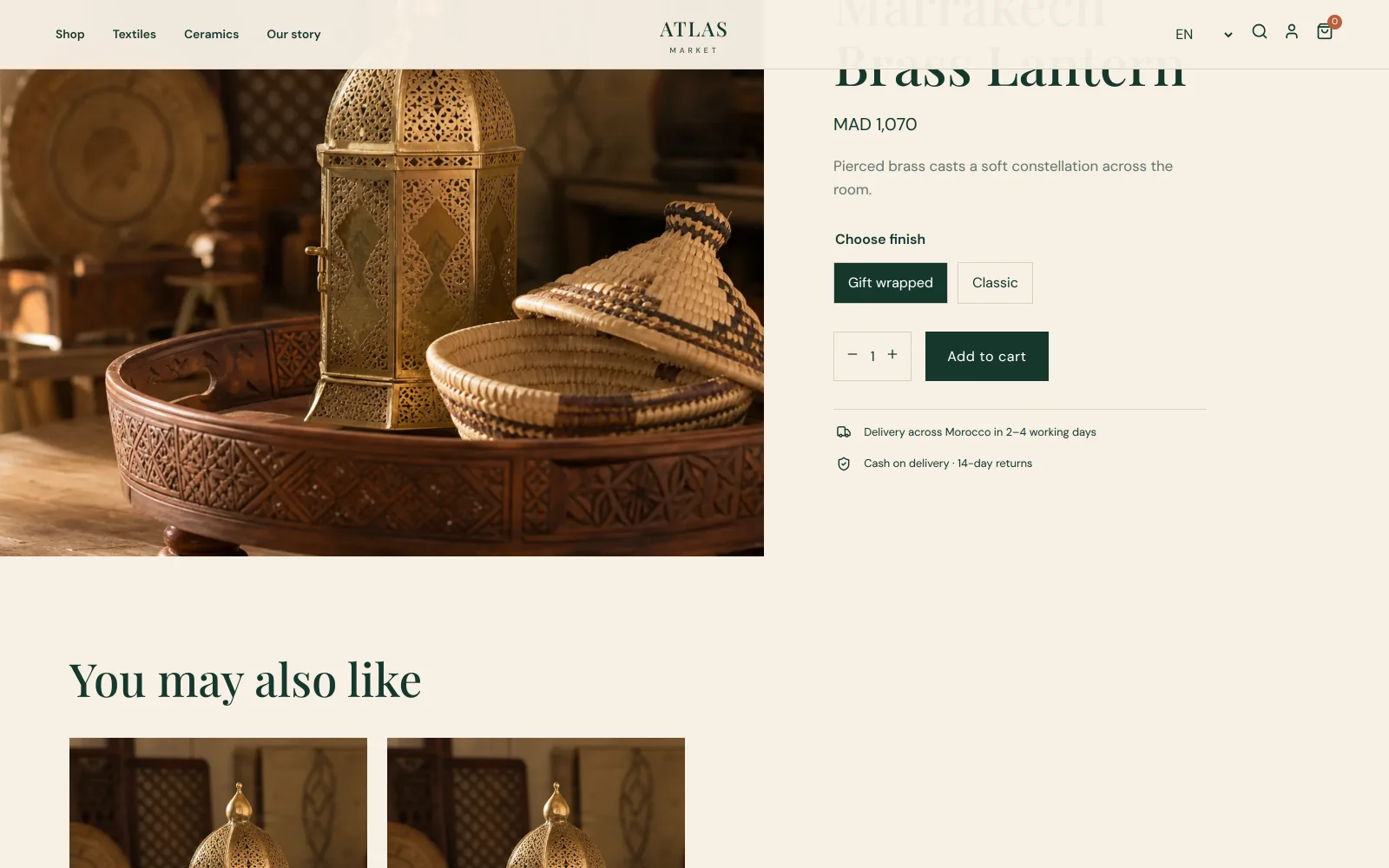
Related products under each product.
-
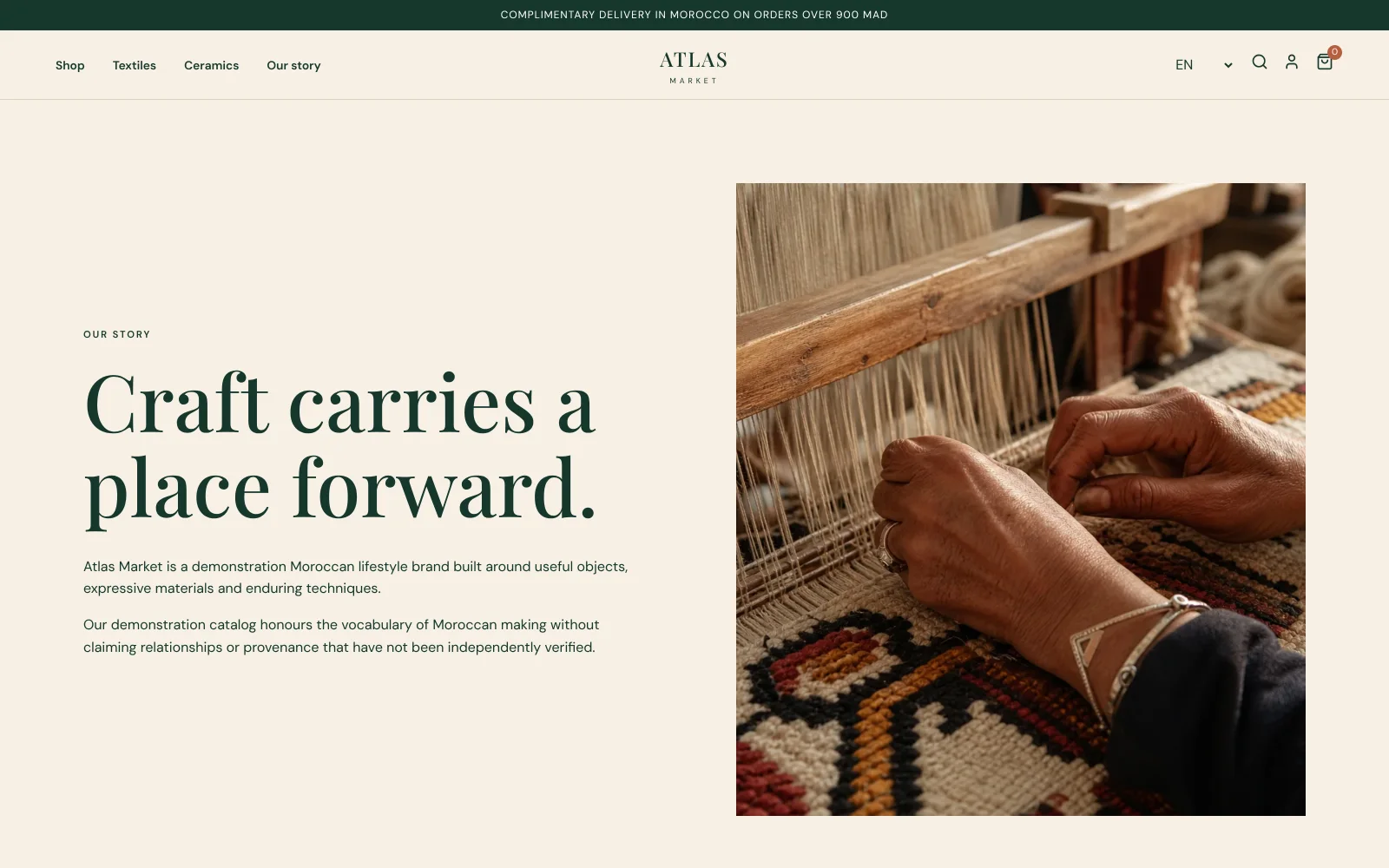
Editorial — an honest brand story that labels the demo catalog.
The back office#
The catalog lives in Medusa, not in the storefront's code. Staff manage it in Medusa's own admin, behind a sign-in — kept apart from the public store.
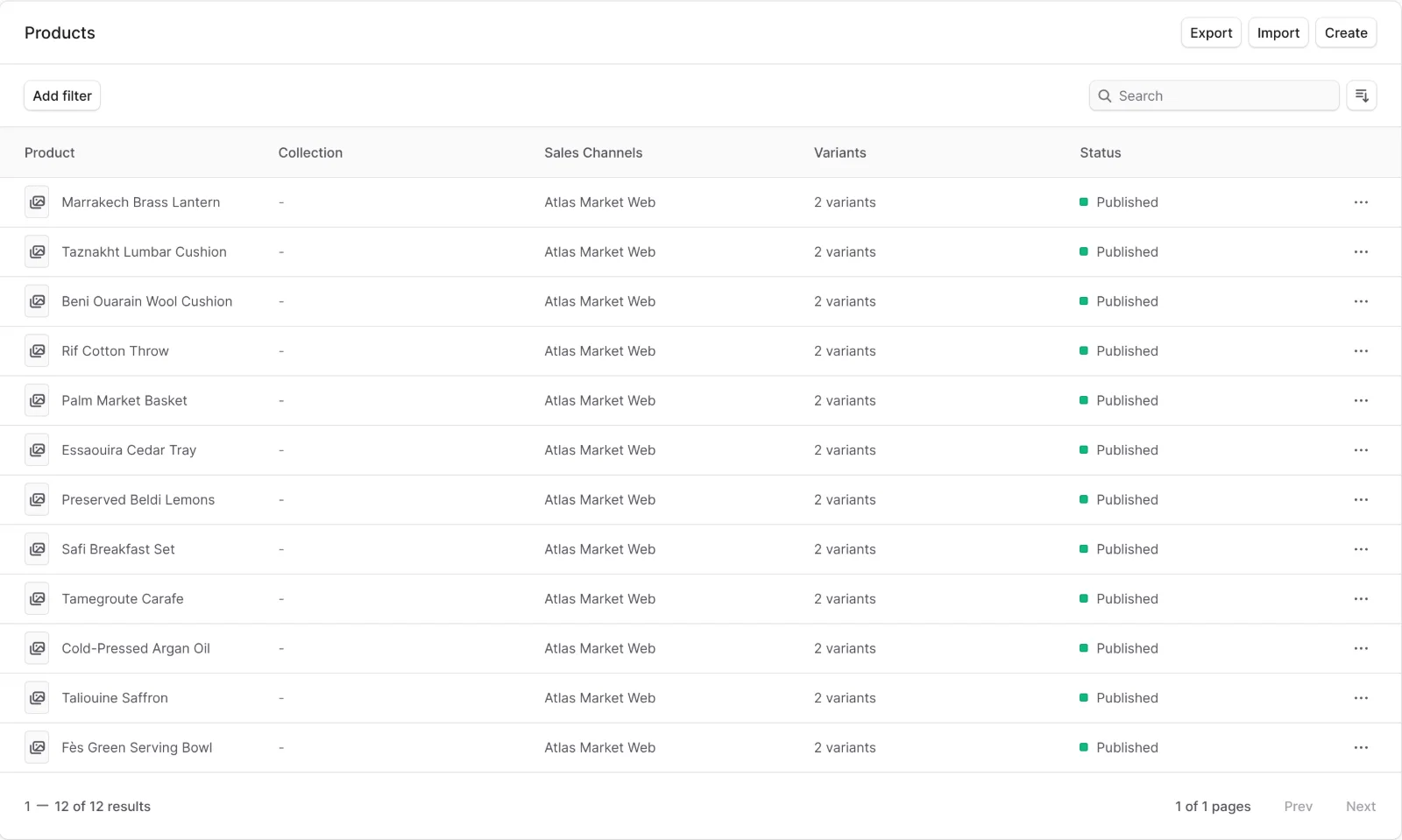
The seeded catalog in the back office: 12 products, 2 variants each, published to the storefront's sales channel.
3. How the session ended#
| Changes | 67 files, about 21,800 lines added. |
| Effort | 264 model calls and 375 tool actions. |
| Spend | $15.81 against the session budget. |
| Outcome | Failed — Ysra reported work stopped with a failure. |
A large part of the product works, and you can click through it above. But the brief demanded proof — the full stack started from a clean copy and a ten-step customer journey ending in a real order — and not every required check passed. So the session was reported as failed, with its candidate, checks and evidence kept, rather than as done.
Why a failed session belongs in the docs
The brief said "Name anything genuinely unfinished precisely; do not claim success without evidence." This is what that looks like. The storefront and back office are real, the catalog comes from Medusa, the demo data is labelled — and the verdict still says failed, because the required proof wasn't complete. You decide what happens next: read the failing check, steer the session to fix it, and it continues from the same candidate.
4. What you'd do next#
- Open the session's Checks and Review panels to see which proof failed and why. See The workroom.
- Steer with what the failing check shows — a missing setting, a service that didn't start, a step of the journey that broke — and the session continues from the same candidate. See Steering.
- When the journey passes in the browser, preview it and open the pull request.
Try it yourself#
- Write a brief as concrete as this one: outcomes, constraints, what must not happen, and how it should be proven.
- Turn on browser review for anything a customer clicks.
- Read the verdict before the screenshots.
See Start a session.